 Filter Remover
Matcha Filter: Apply the Viral Matcha Look to Any Photo or Video — Free


Drop a photo or video here, or click to upload
No sign-up. Free. Your photos are never stored.
Apply the matcha filter effect to any photo or video in seconds — free, no sign-up, and your files are never stored.
Make Any Photo or Video Matcha: What Looks Best
ScenesSome photos and videos were made for this. Here's what people are doing with it:
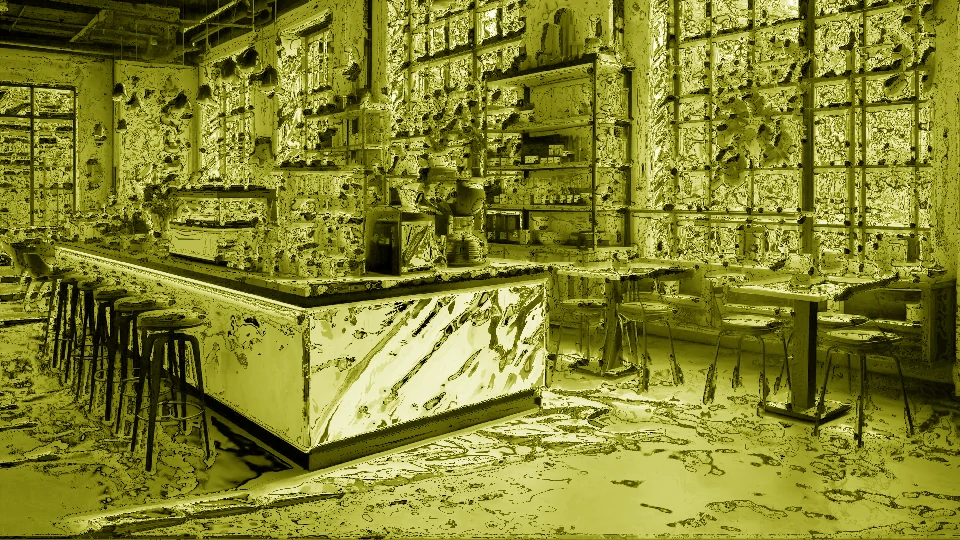
Coffee shop fit photos.
The classic. The matcha wash turns a normal café photo into an aesthetic post — the cup, the table, the outfit, all in one calm green tone.
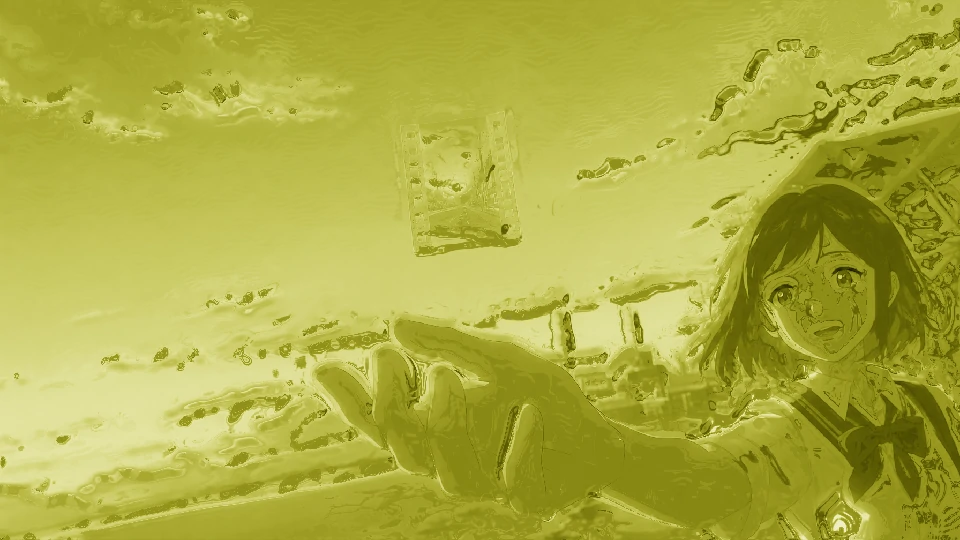
Everyday portraits.
Selfies and group shots get the soft, dreamy treatment. Faces read clearly; the background melts into milk.
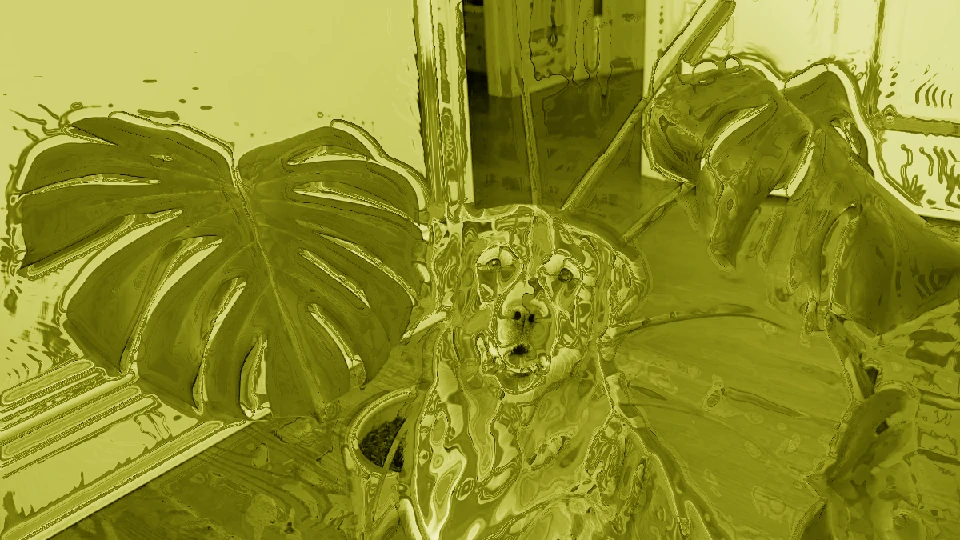
Pets and plants.
The green works with everything. Your dog becomes a matcha latte. Your monstera becomes a mood.
Food and drinks. Matcha on matcha — or the green wash over anything on your table.
The trick
Photos and videos with natural light and a bit of contrast take the effect best. Everything else still looks good — that's the point of the filter.
Fun Ways to Use the Matcha Look
Just for funNot everyone's here for the aesthetic. The matcha look is also just… funny. The before-and-after is half the joke — a serious portrait melting into green milk. Here's where it gets good:
Your pets.
The reliable one. A golden retriever becomes a matcha latte with a face; a black cat becomes a suspicious matcha mousse. Pet owners can't help but post these, and the comments write themselves.
Food — matcha on matcha.
Take a photo or video of your breakfast, your ramen, or your sad desk salad, and hit it with the matcha wash. Everything on the plate turns the same milky green, and suddenly your lunch looks like it belongs in a Kyoto café — or like it's been cursed. Either way, it's funny.
The serious portrait.
The best before-and-afters come from the most serious originals. A formal family photo, a graduation shot, a passport-style headshot — run it through the filter and watch the dignity melt into green milk. The contrast is what sells it.
Friends and family (without asking).
Sneak a matcha pass at your friend's best photo or video, your dad's golf picture, your roommate's profile pic. The reaction posts are half the fun.
Screenshots and group chats.
Take a screenshot of an argument, a receipt, or a meme and matcha it. The most mundane content turns unexpectedly artsy — and the absurdity lands every time.
Objects that should never be green.
Sneakers, keyboards, a car, a guitar — anything with clean lines takes the liquid look weirdly well. There's a whole genre of "matcha-ing things that should never be matcha," and it shows no signs of stopping.
Movie stills and celebrity photos.
A still from your favorite film, a red carpet photo — the filter does something strange to faces you recognize. Results are either deeply aesthetic or deeply cursed. Both are correct.
If you want to see something funny, start with the most serious photo or video you have and run it through.
How to Use the Matcha Filter
Ten secondsIt takes about ten seconds.
- 1
Step 1 — Upload your photo or video.
JPEG or PNG photos, and MP4, WebM or MOV videos — from your phone or computer. No account, no app, no email.
- 2
Step 2 — Pick the look.
Choose how strong you want it: a light green tint, or the full liquid-milk matcha wash.
- 3
Step 3 — Download and post.
Save the result and share it wherever you like — TikTok, Instagram, or just your camera roll.
What Is the Matcha Filter?
The lookThe matcha filter is the nickname for a viral green-toned effect that washes your photo or video in a soft, hazy layer of green — turning it into a dreamy, liquid-like version of itself. On TikTok it's officially called “Wild Hearts Whisper”, but almost everyone calls it the matcha filter: the thick, milky green look is exactly what a matcha latte looks like. Same color, same calm, same energy.
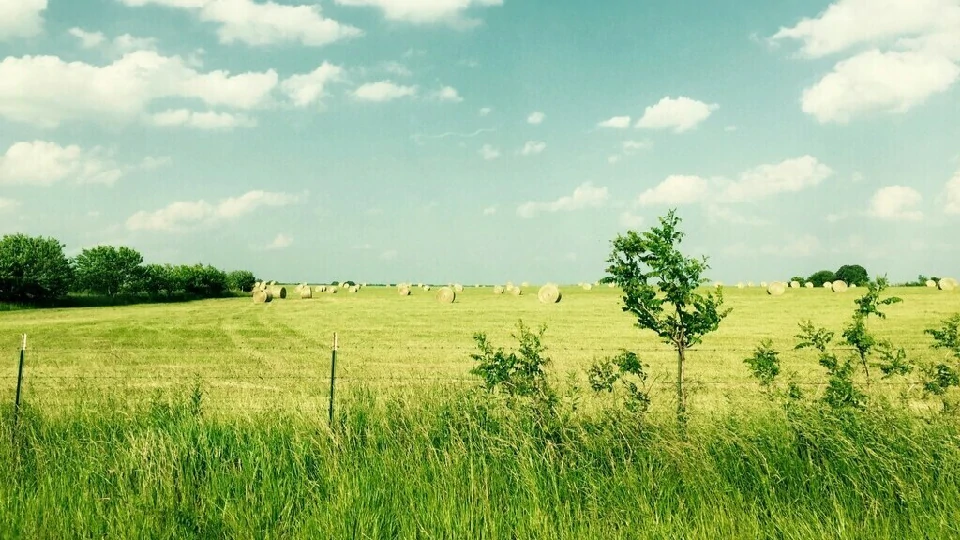
Why “matcha”? Because the look borrows the whole aesthetic of matcha culture — the ritual, the slowness, the quiet Japanese minimalism.
- Soft
An ordinary coffee-shop photo starts to feel like a deliberate, unhurried moment.
- Hazy
Edges melt into milk — the sharp noise of a photo gives way to a milky wash.
- Dreamy
It doesn't change who you are in the photo — it changes the mood around you.
A matcha filter photo or video isn't just green. It's soft, hazy, dreamy. It takes an ordinary coffee-shop photo and makes it feel like a deliberate, unhurried moment. That's the appeal: it doesn't change who you are in the photo — it changes the mood around you.
It's why the look spread so fast. Café fit photos. Everyday selfies. Pets, food, rainy windows — anything becomes a little calmer and a little softer through the matcha lens.
Whether you want your coffee-shop photo or video to match the aesthetic on your feed, or you just want to see what your dog looks like as a matcha latte — the matcha filter effect is one click away, right here in your browser.
Why Everyone's Posting the Matcha Look
The momentThe matcha look didn't come out of nowhere. The soft green, the milky haze, the way edges melt into liquid — it's the visual shorthand for an entire aesthetic: calm, slow, ritual. On TikTok the effect spread across millions of videos in a matter of weeks, carried by a song everyone was using and a look nobody had seen before.
But the reason it stuck is simpler than the algorithm. Matcha green photographs beautifully on everything:
It makes ordinary photos and videos feel intentional, like they belong on a curated feed.
And now you don't need TikTok to get it. The same look, applied to any of your own photos or videos, right here — free, in seconds, without an account.
Ready to Go Matcha?
Get the lookDrop a photo or video here, or click to upload
No sign-up. Free. Your photos are never stored.
- Upload
- Filter
- Download
- Post
The Features of Our Matcha Filter.
Free.
No credits, no coins, no trials that quietly run out.
No sign-up.
No email, no account — just upload and go.
Works everywhere.
Online in any browser — phone or desktop. Nothing to install.
Your photos and videos are never stored.
We process them and let them go. No storage, no selling, no training data.
- Most matcha tools charge per photo for this. We think a filter should be free — so it is.
Frequently Asked Questions
FAQWhat is the matcha filter?
The viral green-toned effect that washes photos and videos in a soft, milky green. On TikTok it's officially called “Wild Hearts Whisper”; most people just call it the matcha filter. It's covered in full above — what it is, why it took off, and how to use it.
Is this the same as the TikTok matcha filter?
Same look, same vibe, applied in your browser. TikTok's version is a real-time effect inside the app; ours works on any photo or video you already have. Note that both are filters — a filter adds a look, it doesn't redraw the image. If you're looking to remove the matcha filter from a photo or video instead, that's a different tool: our matcha filter remover.
Is it really free?
Yes. No credits, no watermark, no sign-up, no hidden cost.
Do you store my photos or videos?
No. Your photo or video is processed and discarded. We don't store, sell, or train on anything you upload.
Can I use it on my phone?
Yes. It runs in any browser — iPhone, Android, desktop.
Can I use the matcha filter on a video?
Yes — upload a video and it gets the same milky-green look. Processing runs in your browser.
I have a matcha photo or video and I want the filter gone. Can you help?
Yes — that's the other direction. See our matcha filter remover.
Do I need to credit anyone if I post the result?
No. It's your photo or video with a filter on it — post it wherever you like.